


 英語
 スペイン語
 ポルトガル語
 フランス語
 イタリア語
 ドイツ語
自動インポートカスタムインジケーターMT4 600+のヘルプをどうぞ!
3件の返信

Hi, I’m new to Forex, EA’s, MQL4/5, Strategyquant and all those wonderful things.
It’s been a deep rabbit hole these past two weeks and I’ve had the demo for about a week but haven’t been able to get this custom indicator to load.
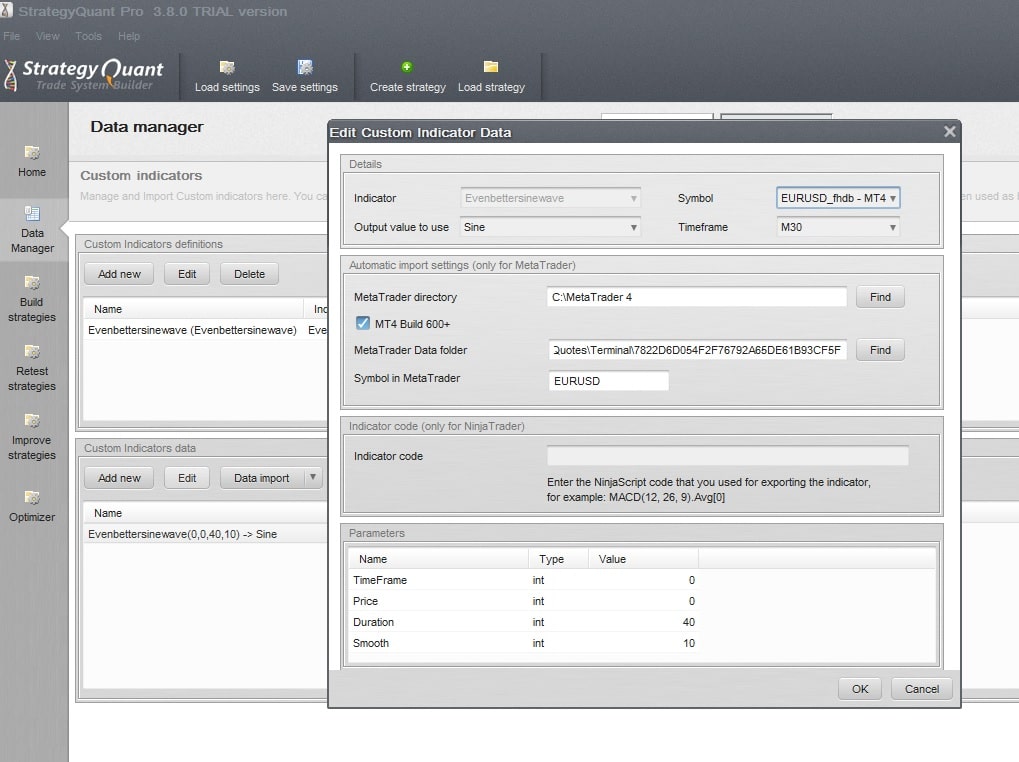
I changed the installation directory to C:/Metatrader4, and have made sure I properly have the Data folder and the EURUSD symbol.
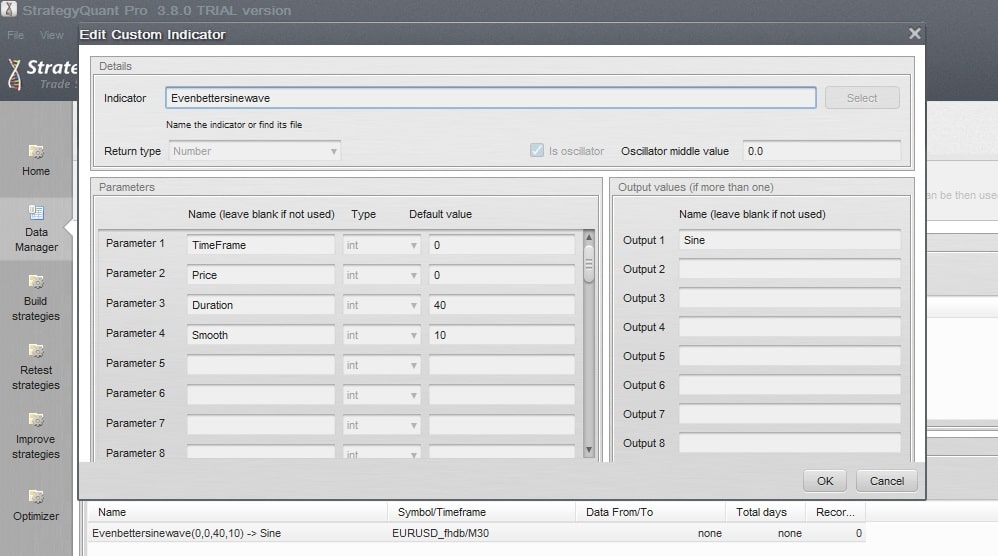
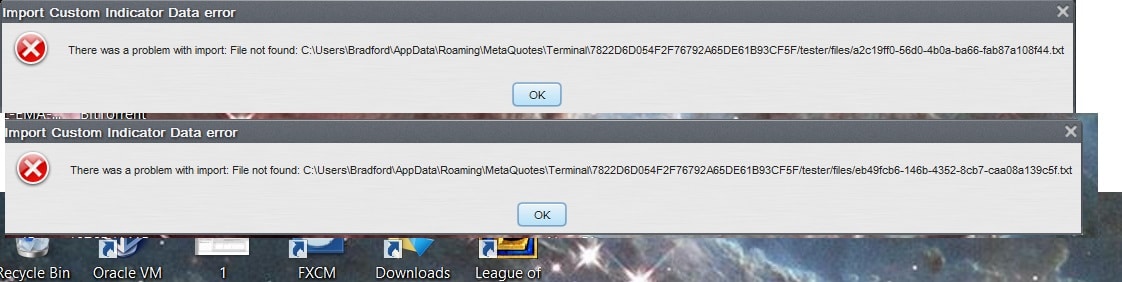
I am trying to automatic load some of John Ehler’s custom indicators, and I keep getting errors.
I changed the names and reloaded the indicator again and got the error 3… this time setting it to not an oscillator..
I don’t know what to do any help would be appreciated, I’m here so I can respond to anything quickly.
 1.jpg
 2.jpg
 3.jpg
0

I have a similar issue with customer indictors. I have been creating signals from Indicators on EA Wizard without any issues, however, every time I use an imported indicator (iCustom…), and turn the indicator into a signal indicator on EA Wizard and attached it the chart, my MT4 freezes up, each and every time. The signal indicator is very simple, if an action happens, then draw arrow up/down. Also, I have no issues uploading the indicator as it is on the MT4 platform, however, once I turn it into a signal from EA Wizard and attach it to a chart, it freezes up automatically. Please help, thanks in advance
0
Well I figured out for me what’s going on…
1. Make sure you have the directory of MT4 installed to your C:/ and not windows. When you download the application make sure you click SETTINGS at the bottom. It’s very easy to miss.
2. I uninstalled all versions of MT4 and MT5… This was causing confusion with file directories.
3. Make sure you have the DATA directory right. Open MT4 up and goto FILE in the top left of the terminal and halfway down OPEN DATA folder. That’s the directory.
Having multiple directories was messing up with where SQ and MT wanted to import the files from, plus your shortcut on your desktop defaults to whatever you installed first…
Make sure you uninstall everything first if you already have MT4/5 installed… That’s what fixed it for me…
Hope this helps anyone else.
0
Your advice did the trick, hesitated to uninstall and re-download, however I followed you steps, and it worked!!!!! Very much appreciated, Just of the many us newbies will encounter. If you have any issues with EA Wizard please pm me, although I am a newbie, still willing to put forth my best knowledge forward.
ありがとう
0
3件の返信を表示中 - 1 - 3件目 (全3件中)