


 Spanish
 Portuguese
 French
 Italian
 German
 Japanese
Documentation & User Guides
Learn the basics, or refine your skills with tutorials designed to inspire.
Last updated on 23. 4. 2026 by Kornel Mazur
Progress Layout – Overview
Page contents
Progress Layout
Overview
The Progress screen in StrategyQuant X provides real-time feedback on project execution. It displays logs, performance metrics, and visual charts related to the module currently running (e.g., Builder, Retester, Optimizer).
This interface is essential for monitoring the status, system performance, and build dynamics while the project is active.
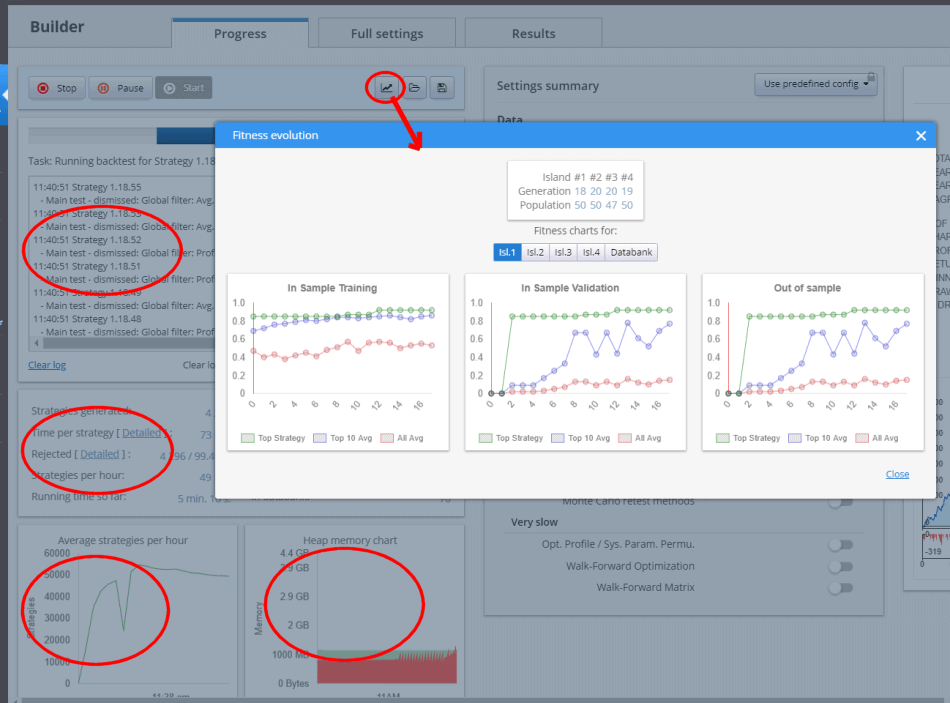
Features of the Progress Screen
When a project is running, the Progress screen displays:
- Execution Logs
- Real-time logging of operations, errors, and processing stages.
- Performance Charts
- Visual representations of metrics such as:
- Fitness Function “Score”
- Memory usage
- Fitness progression
- Avg. Strategies Per Hour
- Settings Summary
- A summary section displays current build settings, data source details, and strategy configuration in use.
These components provide immediate visibility into project health and progress.
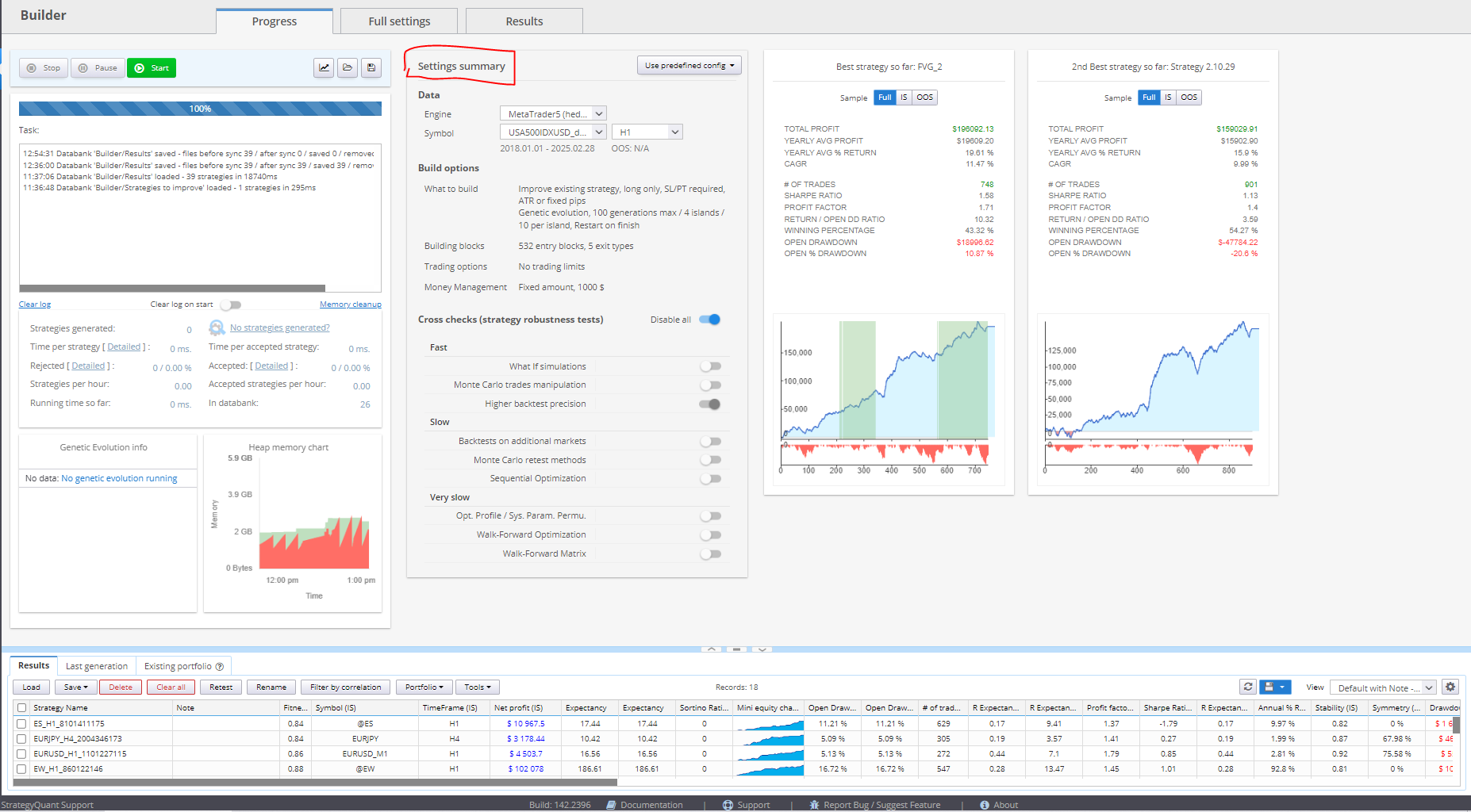
Customization Options
Some charts and metrics are configurable. Users can:
- Choose which charts to display
- Adjust metric ranges or units
- Select time intervals for performance tracking
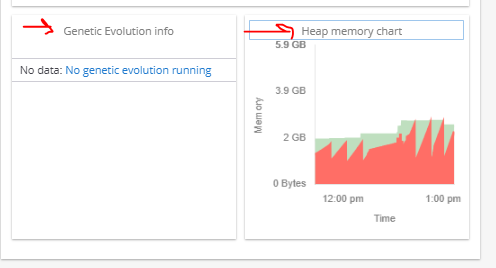
This allows you to tailor the screen to focus on the aspects most relevant to your specific project or debugging needs.
Was this article helpful? The article was useful The article was not useful
Page contents