


 Spanish
 Portuguese
 French
 Italian
 German
 Japanese
Documentation & User Guides
Learn the basics, or refine your skills with tutorials designed to inspire.
Last updated on 23. 4. 2026 by Kornel Mazur
Tasks
Page contents
Custom Project Tasks
This section provides an overview of all available task types within StrategyQuant X Custom Projects. Tasks are the fundamental building blocks used to automate workflows for strategy development, testing, and optimization. Each task can be configured individually and sequenced to run conditionally or in loops, enabling the full automation of complex multi-step strategy processes.
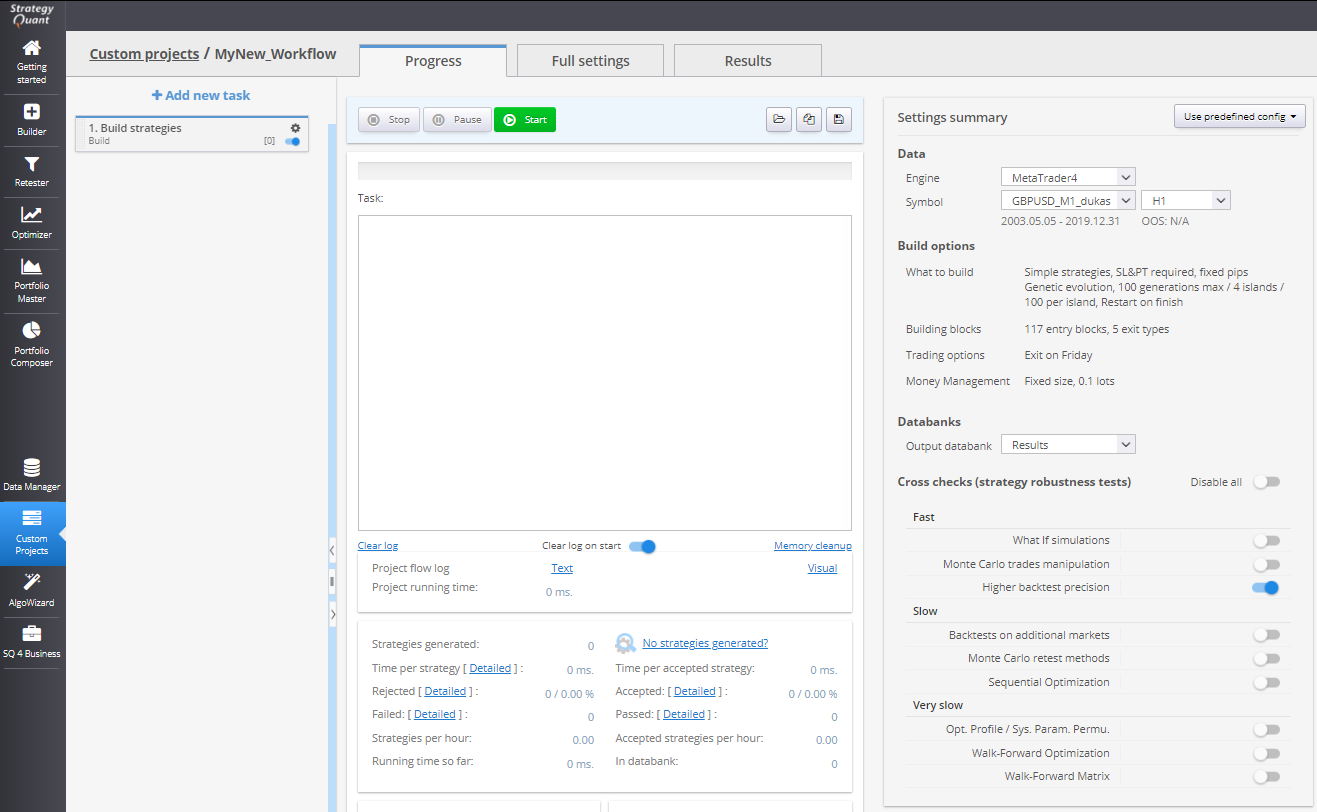
1. Build Task
Starts a standard Builder to generate new strategies based on a specified configuration.
- Configuration: Uses settings defined in the task
- Target: Strategies are saved to a selected databank
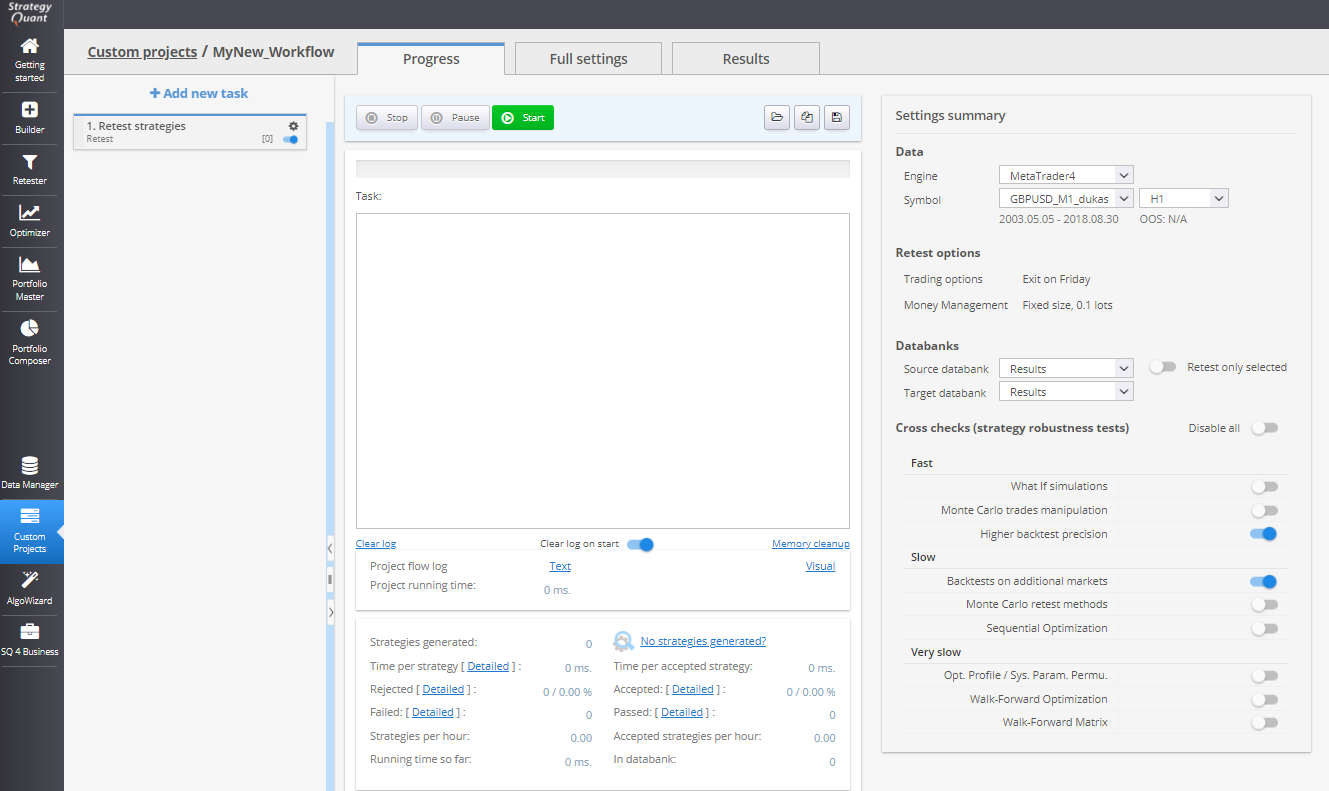
2. Retest Strategies Task
Re-tests strategies stored in a given databank using the specified backtest settings and optionally applies cross-checks.
- Source: Databank with existing strategies
- Target: Retested strategies are stored in a different databank
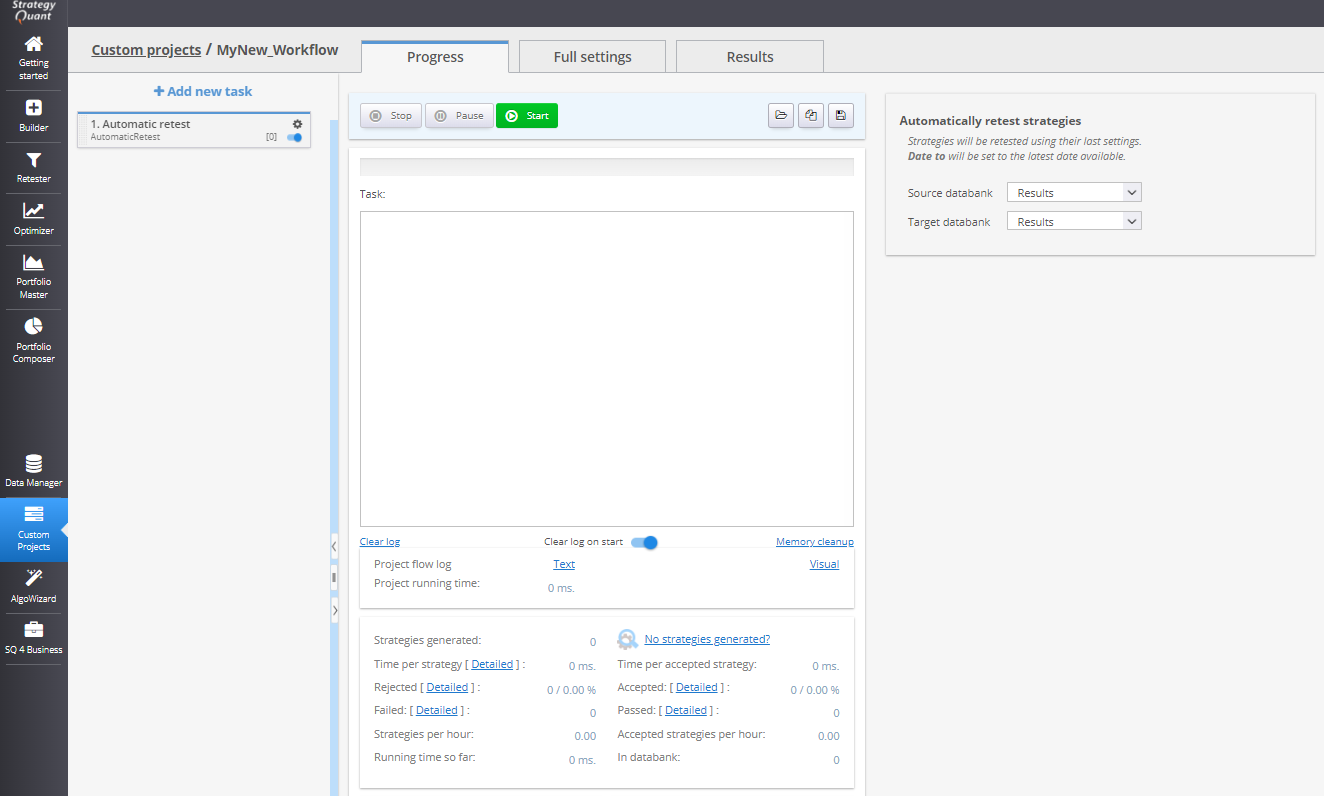
3. Automatic Retest Task
Performs a retest of existing strategies using the same configuration as their most recent build or retest, but with updated data.
- Useful for periodic validations (e.g., weekly re-evaluation of selected strategies)
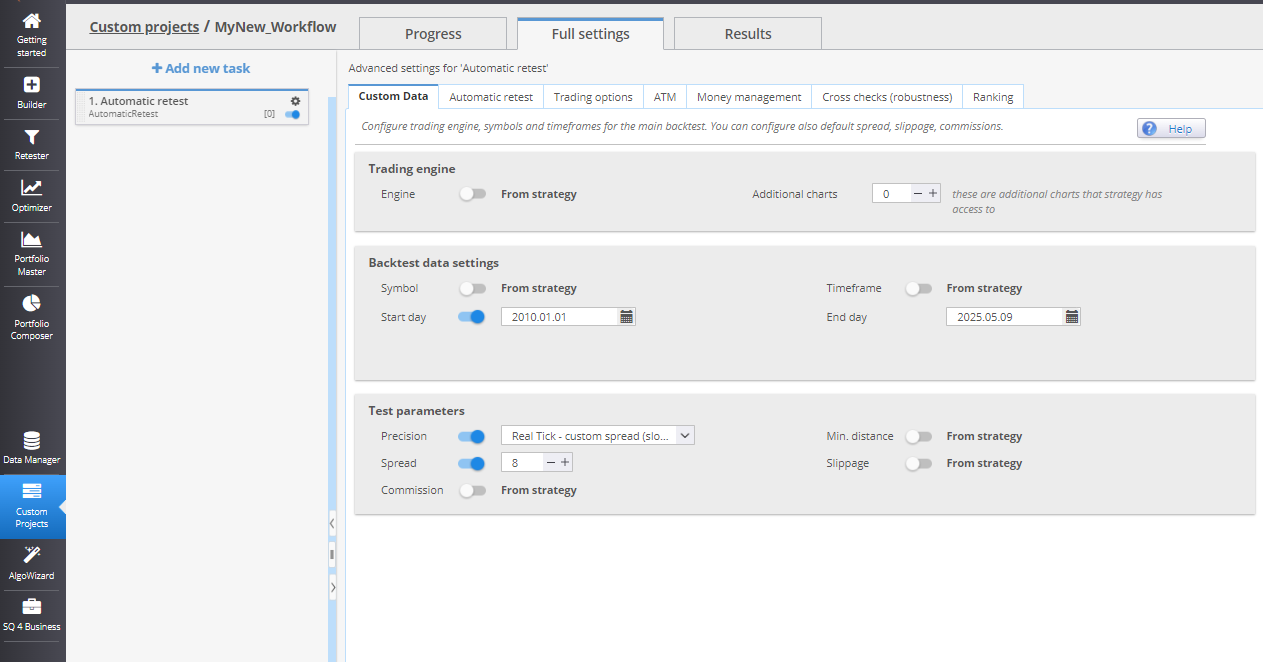
Automatic Retest – Data Settings
Within full task settings, users can configure which parts of the original settings are preserved and which will be overridden during the retest.
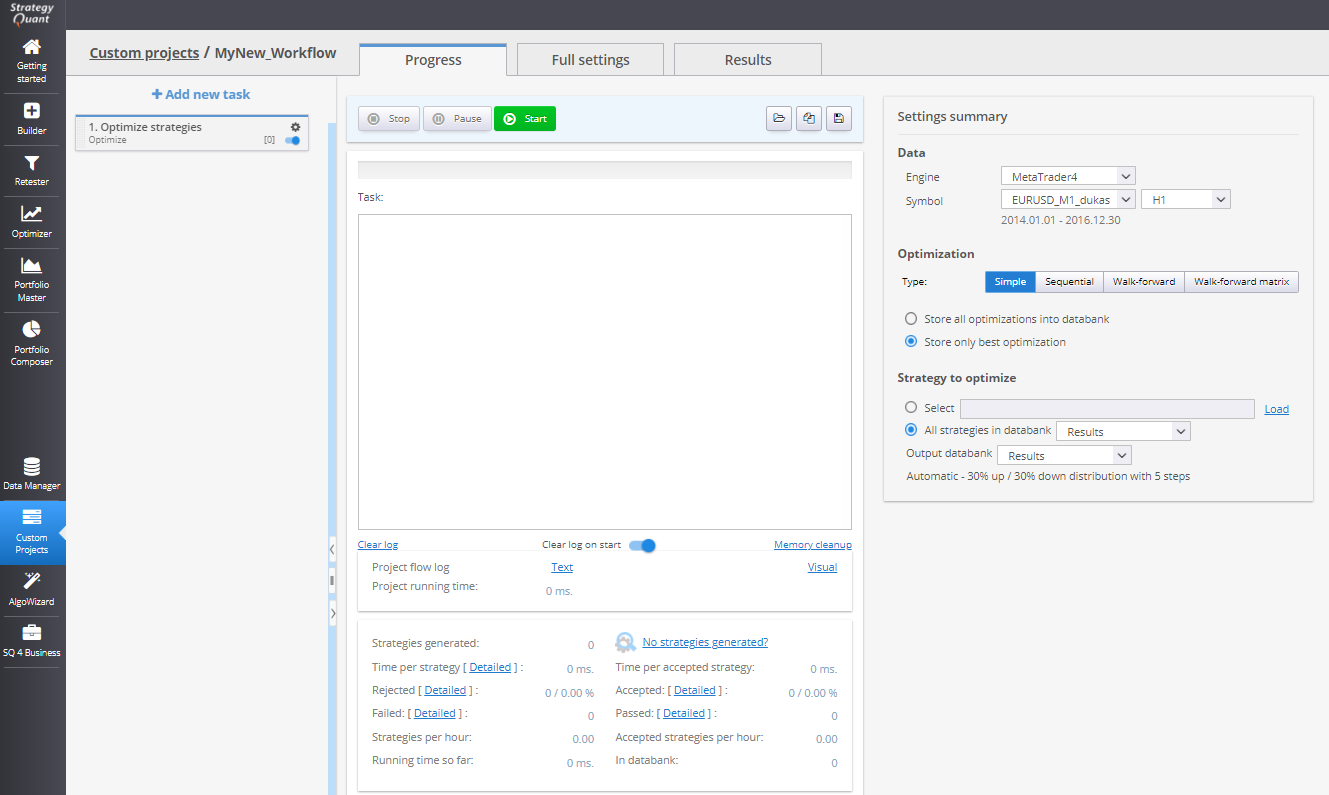
4. Optimize Strategies Task
Runs a standard optimization on strategies.
Can include filtering of results
Useful as a robustness verification stage
5. Stop & Start Task
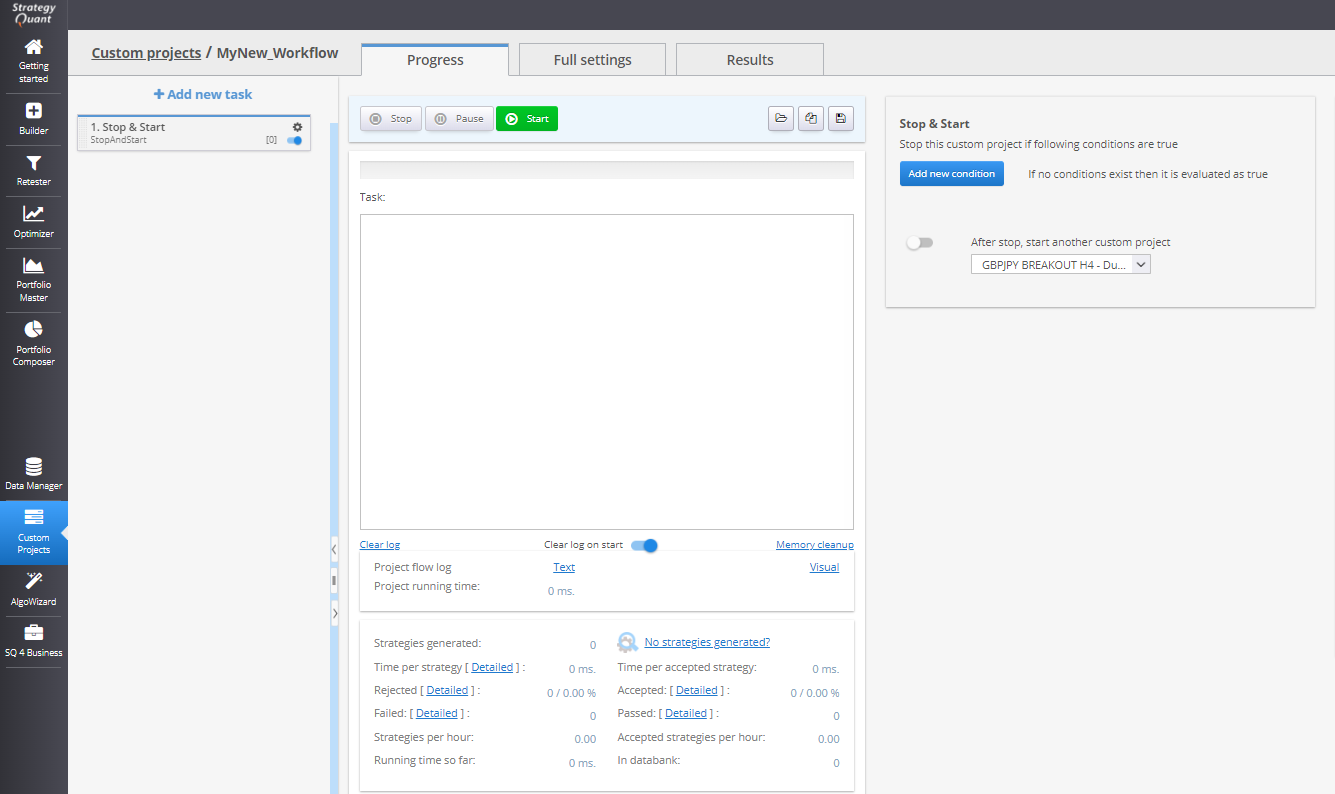
Stops project execution when certain conditions are met.
- Can be used to stop a loop after:
- A defined number of strategies are generated
- A time limit is reached
- Start another project automatically after stopping the current one
6. Filter Strategies Task
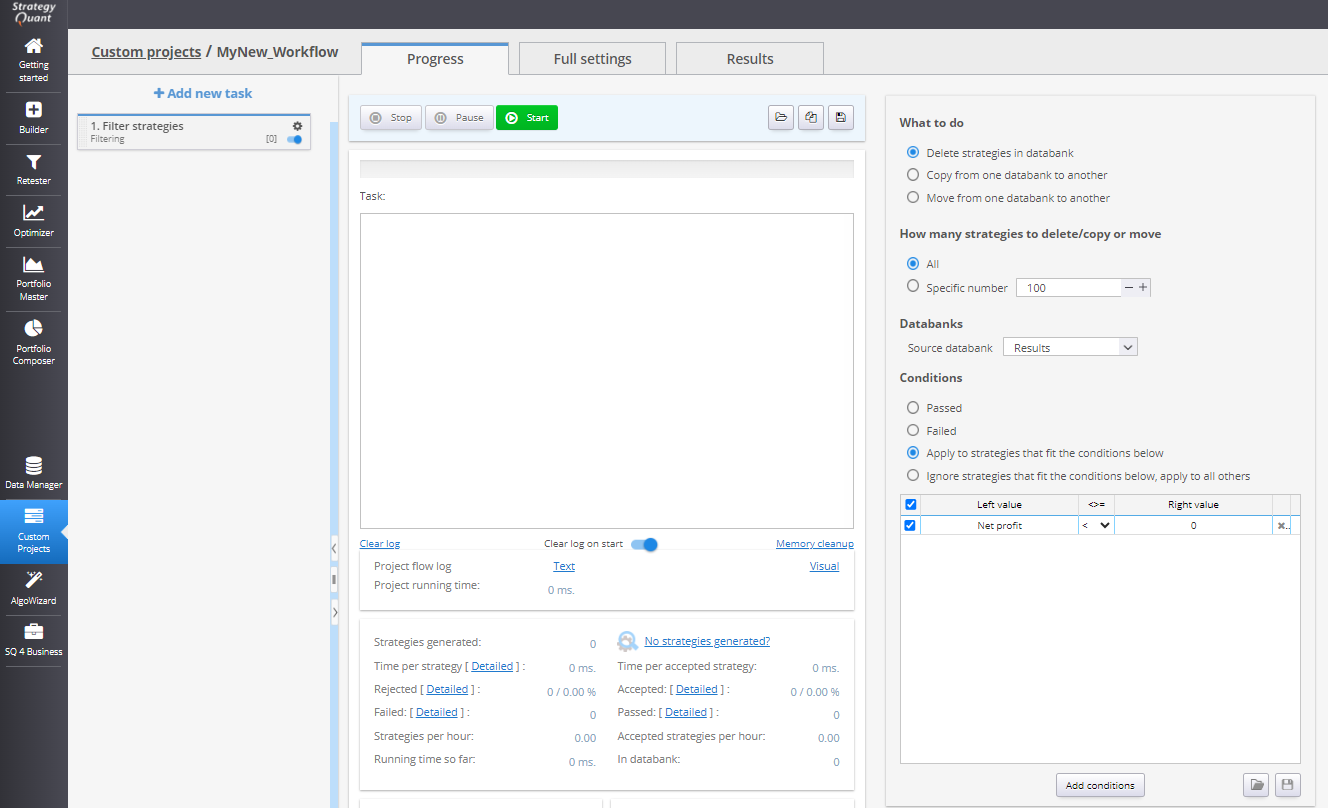
Filters strategies based on user-defined criteria and then:
- Deletes, moves, or copies them between databanks
- Can be applied globally or conditionally
7. Go To Task
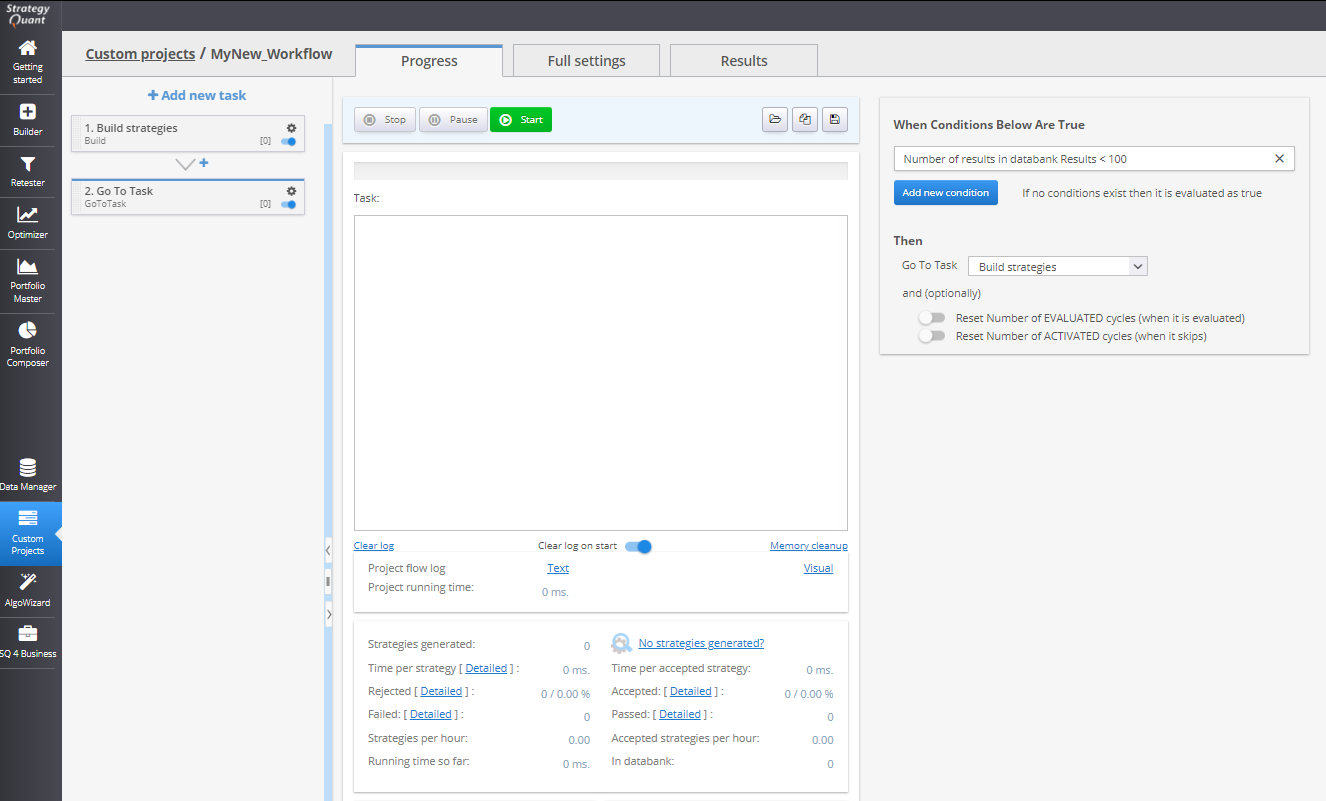
Used to loop back to a different task in the workflow.
- Enables conditional logic such as:
- "If final databank has < 100 strategies, go back to build task"
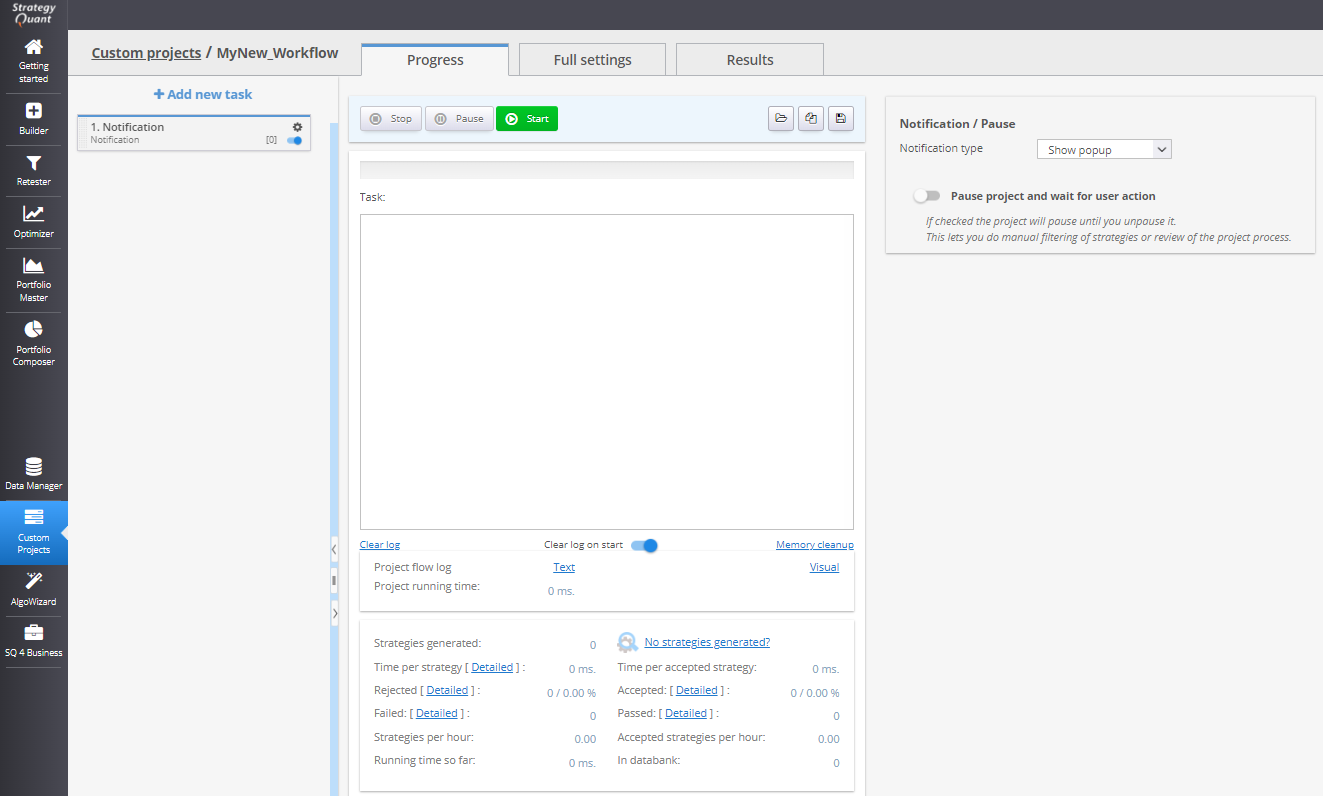
8. Notification Task
Displays a user-defined notification or sends an email when the task is reached.
- Useful for manual intervention points or alerts (e.g., strategy review before export)
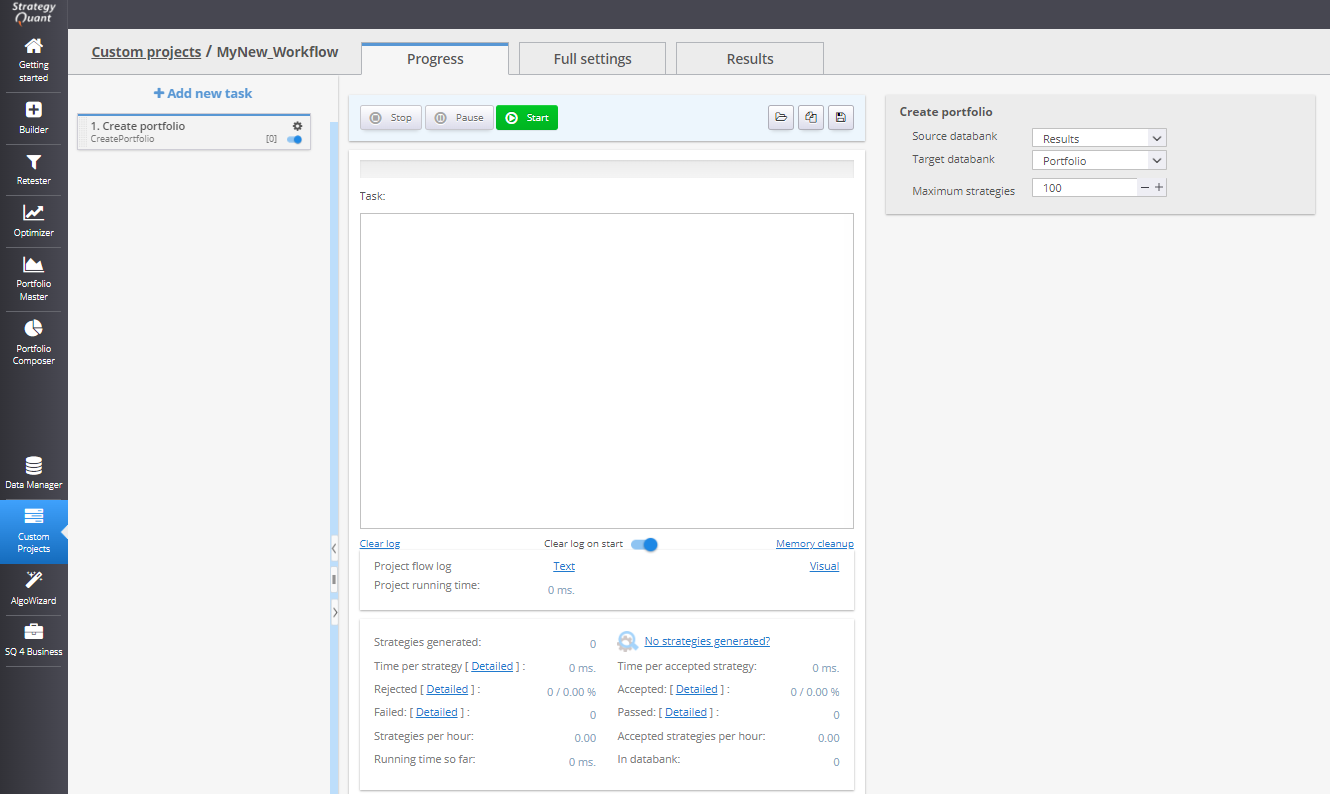
9. Create Portfolio Task
Combines multiple strategies from a databank into a simulated portfolio.
- Results are saved to a new databank
- Used to test combined performance and correlation
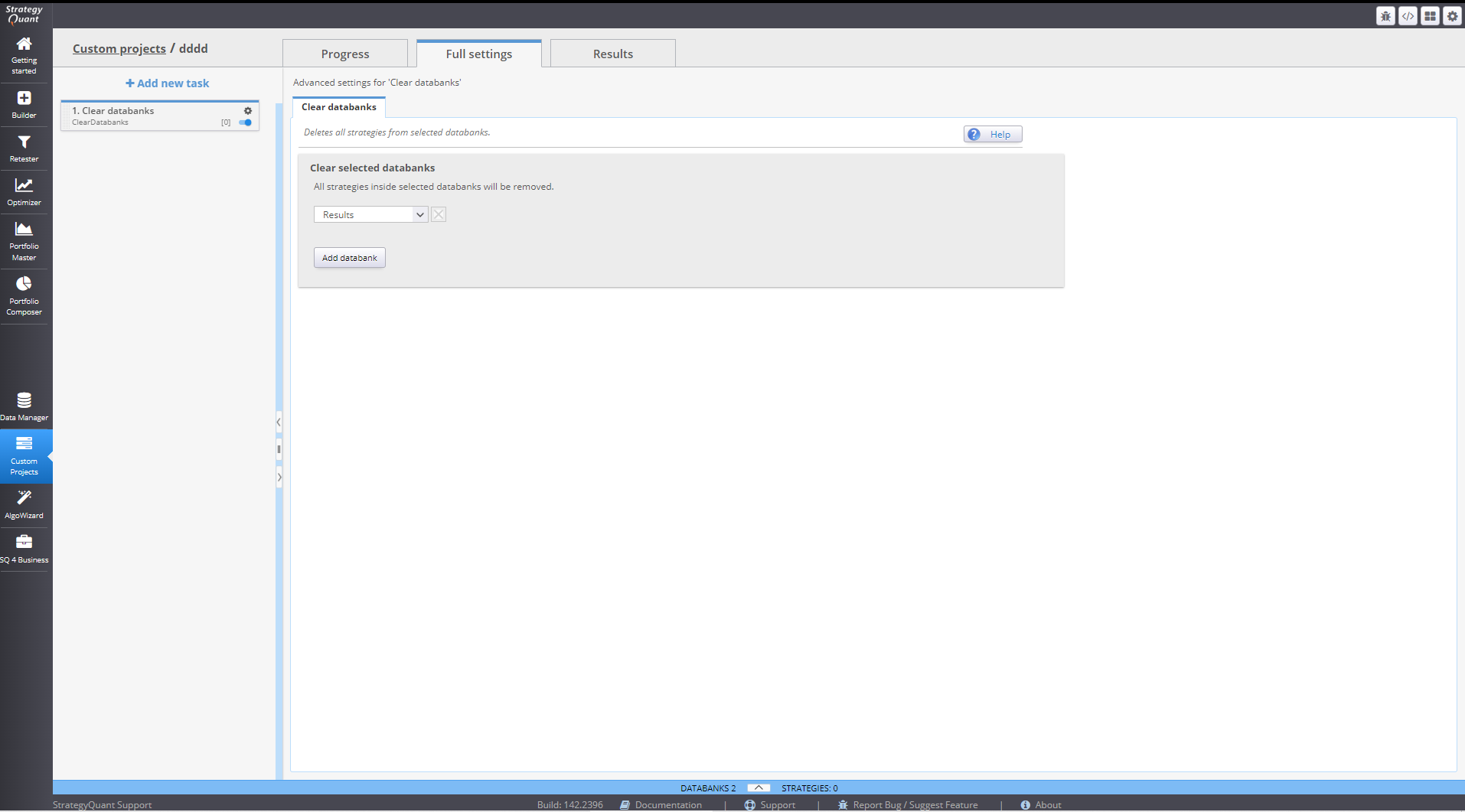
10. Clear Databanks Task
Deletes all strategies from one or more selected databanks.
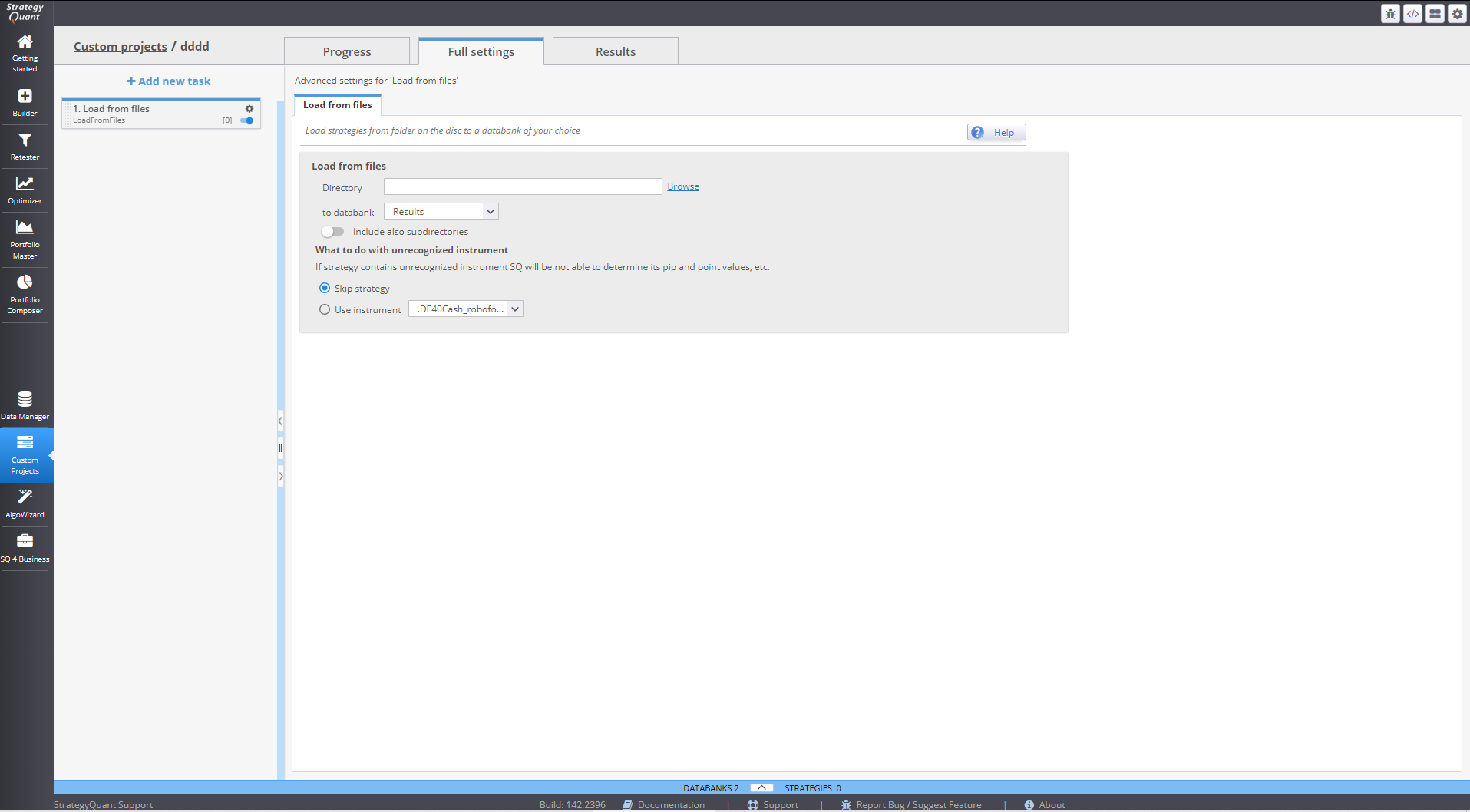
11. Load from Files Task
Loads strategies from files in a specified directory and imports them into a chosen databank.
- Supports multiple file formats
12. Save to Files Task
Exports strategies from a databank to files.
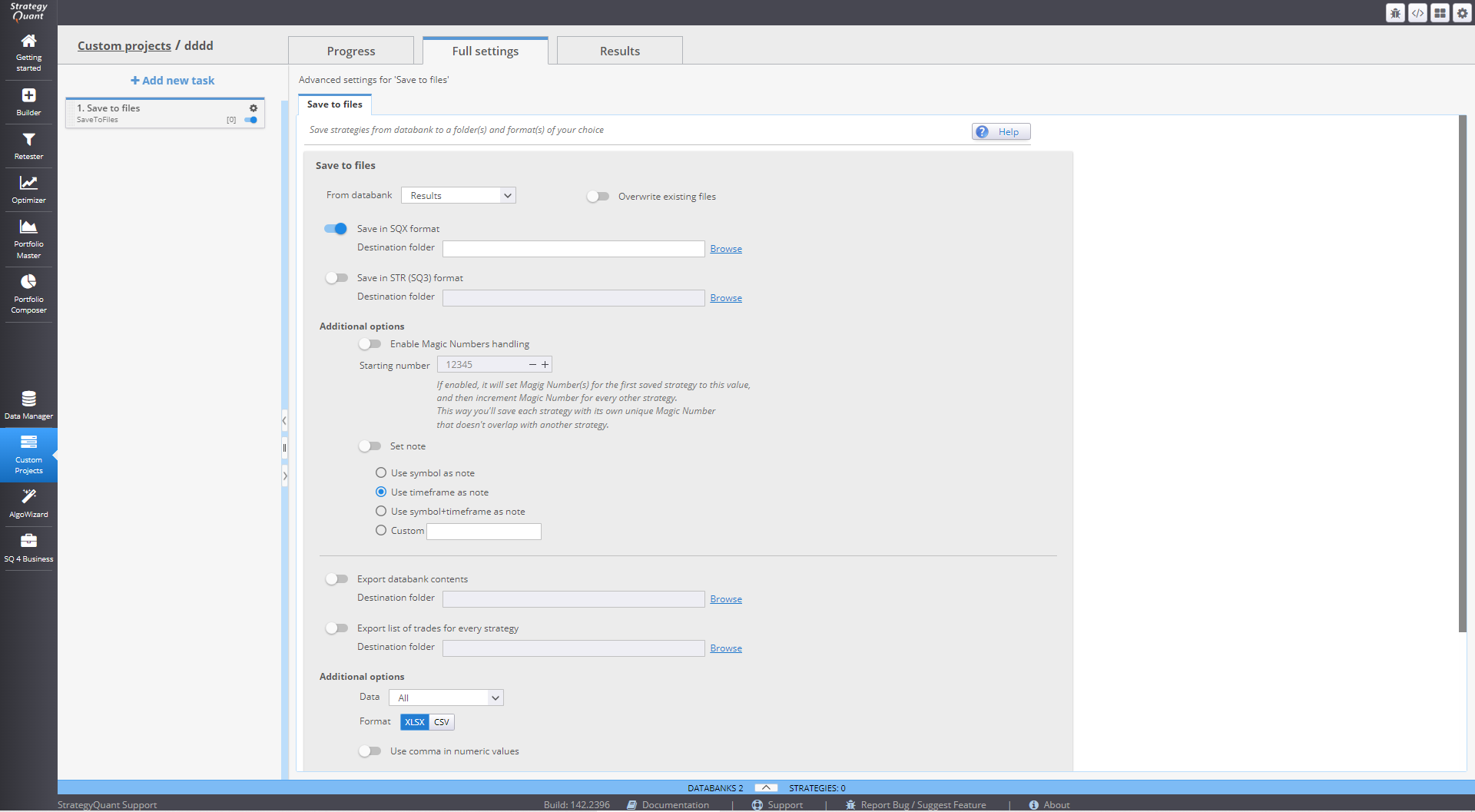
- Supports all StrategyQuant-compatible formats
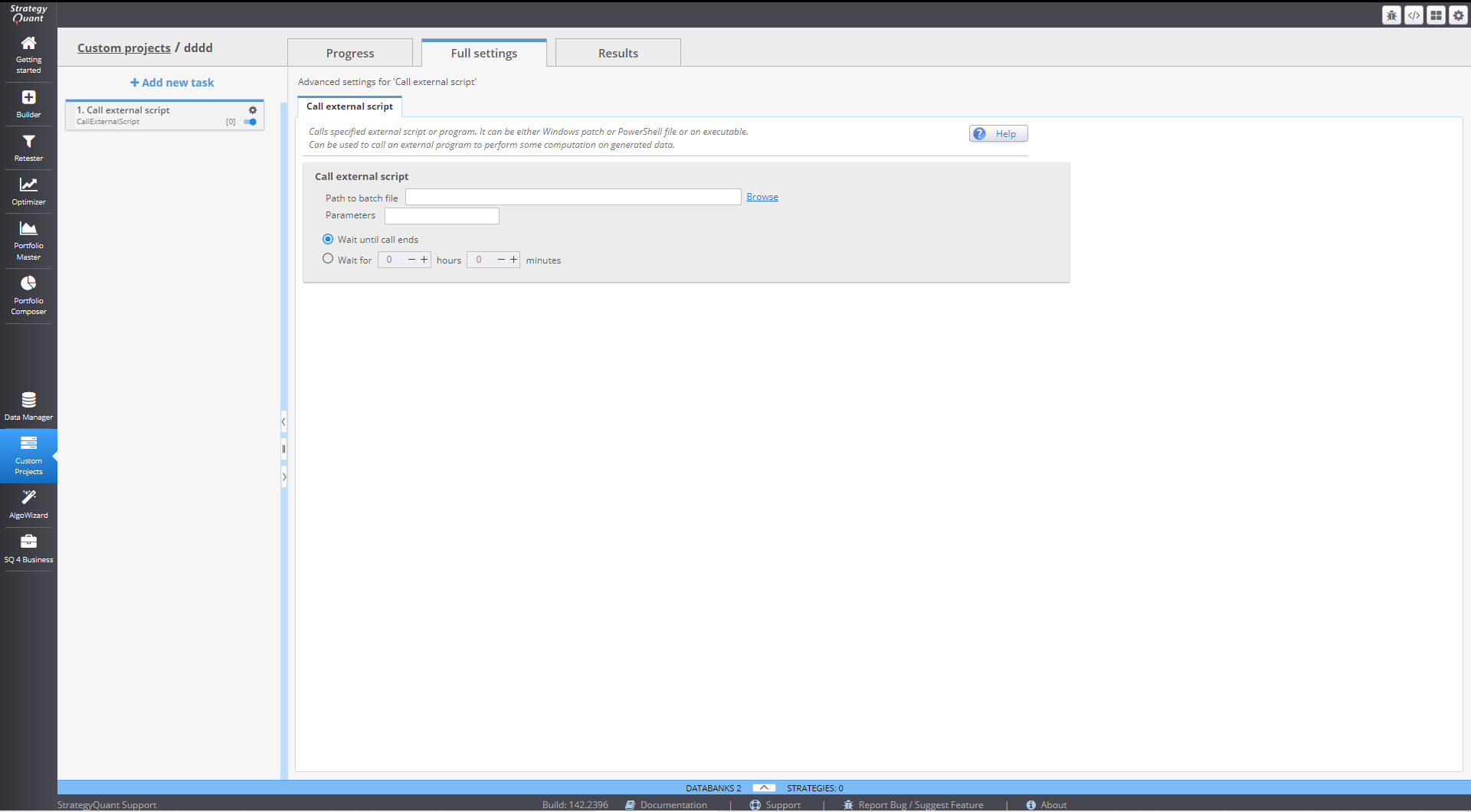
13. Call External Script Task
Executes an external script,, then resumes the custom project
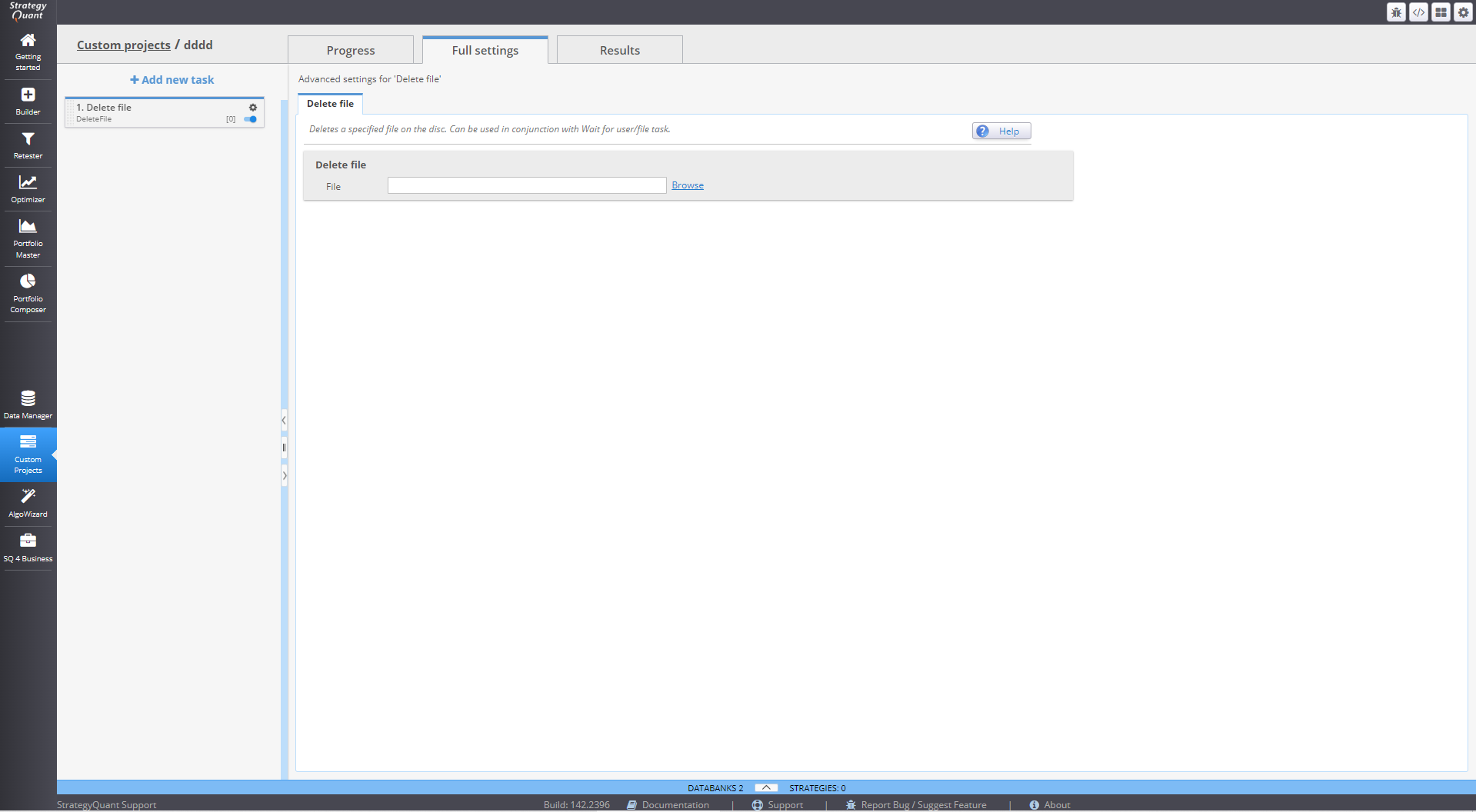
14. Delete a File Task
Deletes a file at a specified path.
- Often used with Wait for user/file task or external scripts to manage synchronization
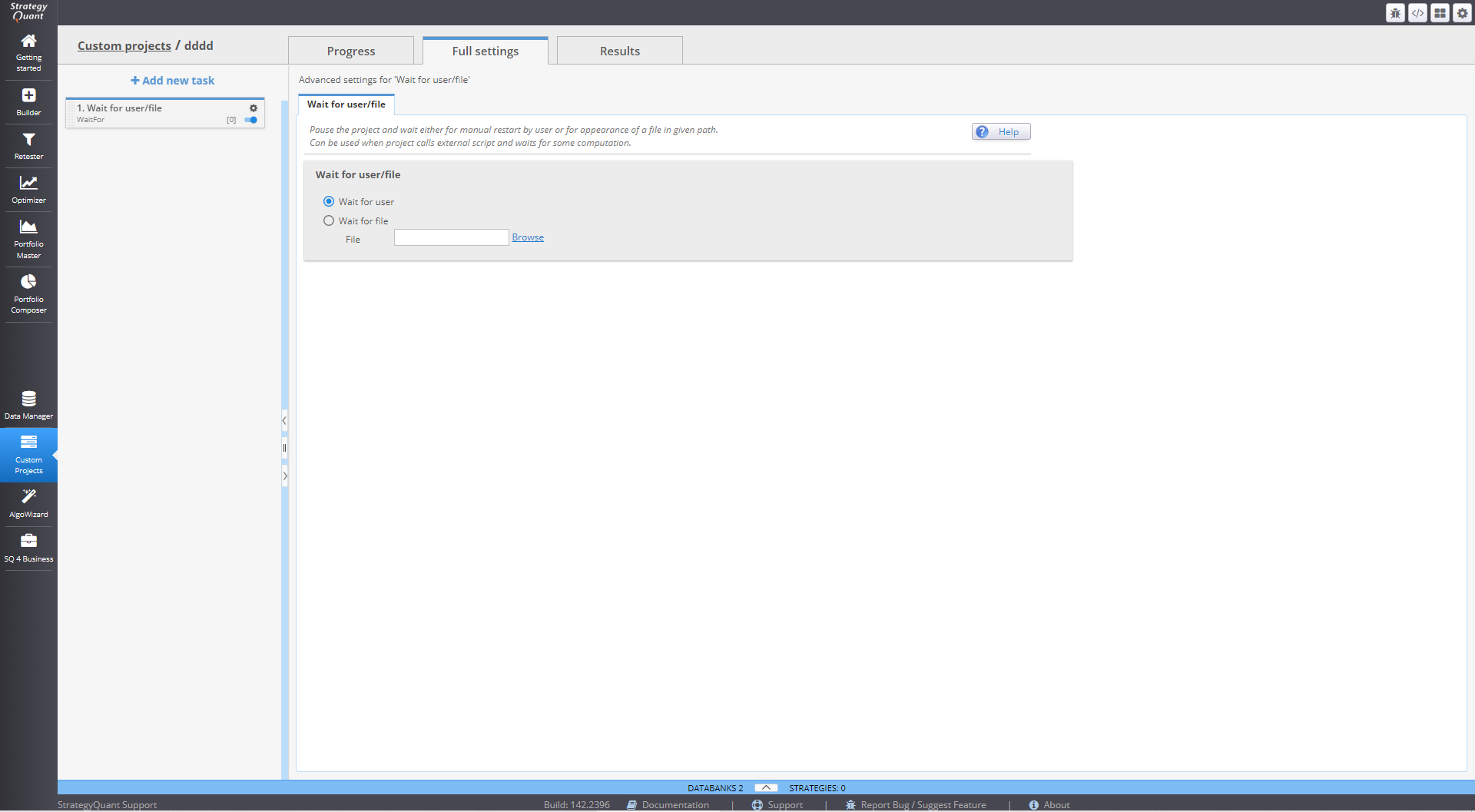
15. Wait for User/File Task
Pauses the project until one of the following occurs:
- User manually resumes execution
- A specific file appears at a defined path
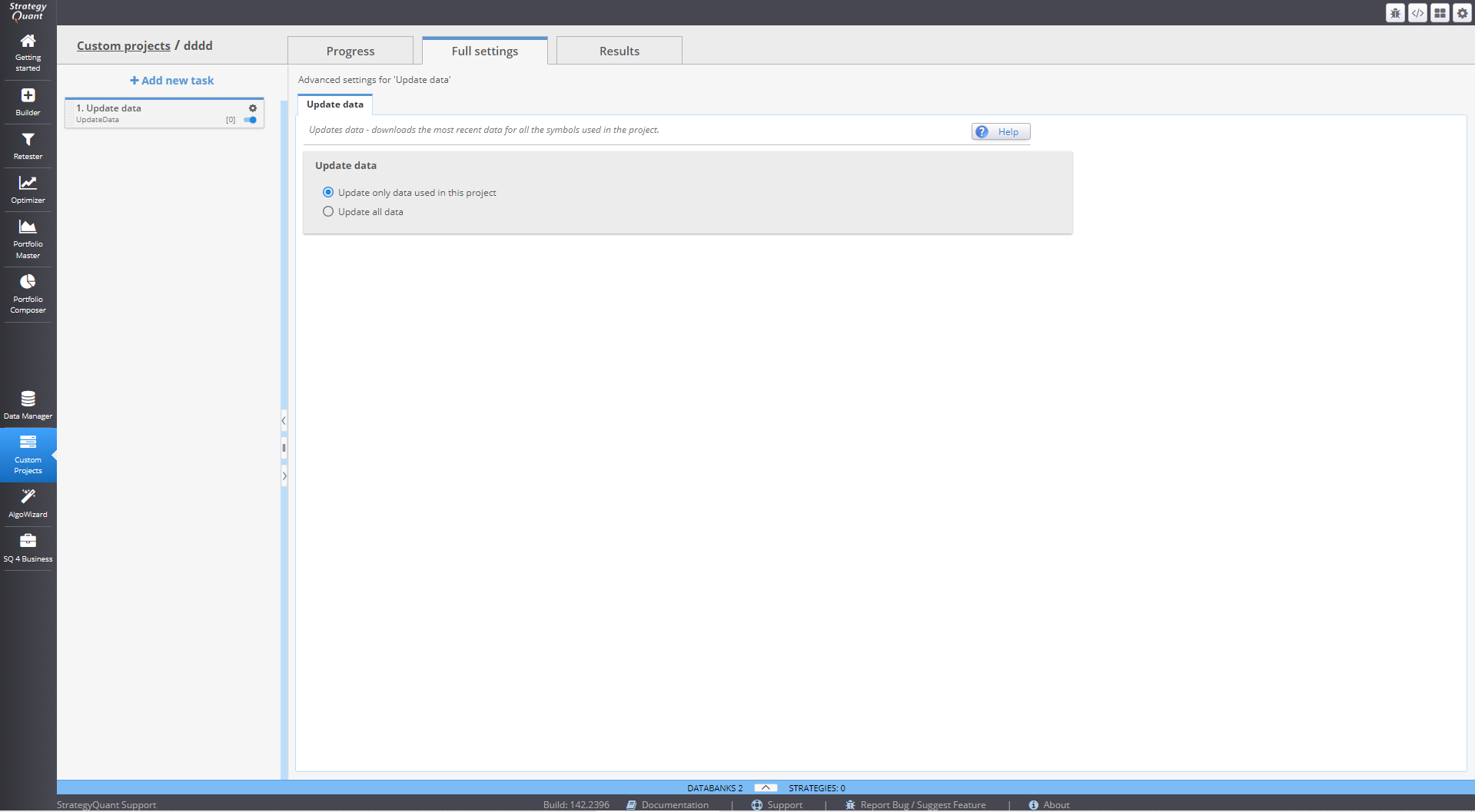
16. Update Data Task
Downloads the most recent historical data updates.
- Can update:
- Only project-specific data
- All data in StrategyQuant
17. Log Databank Stats
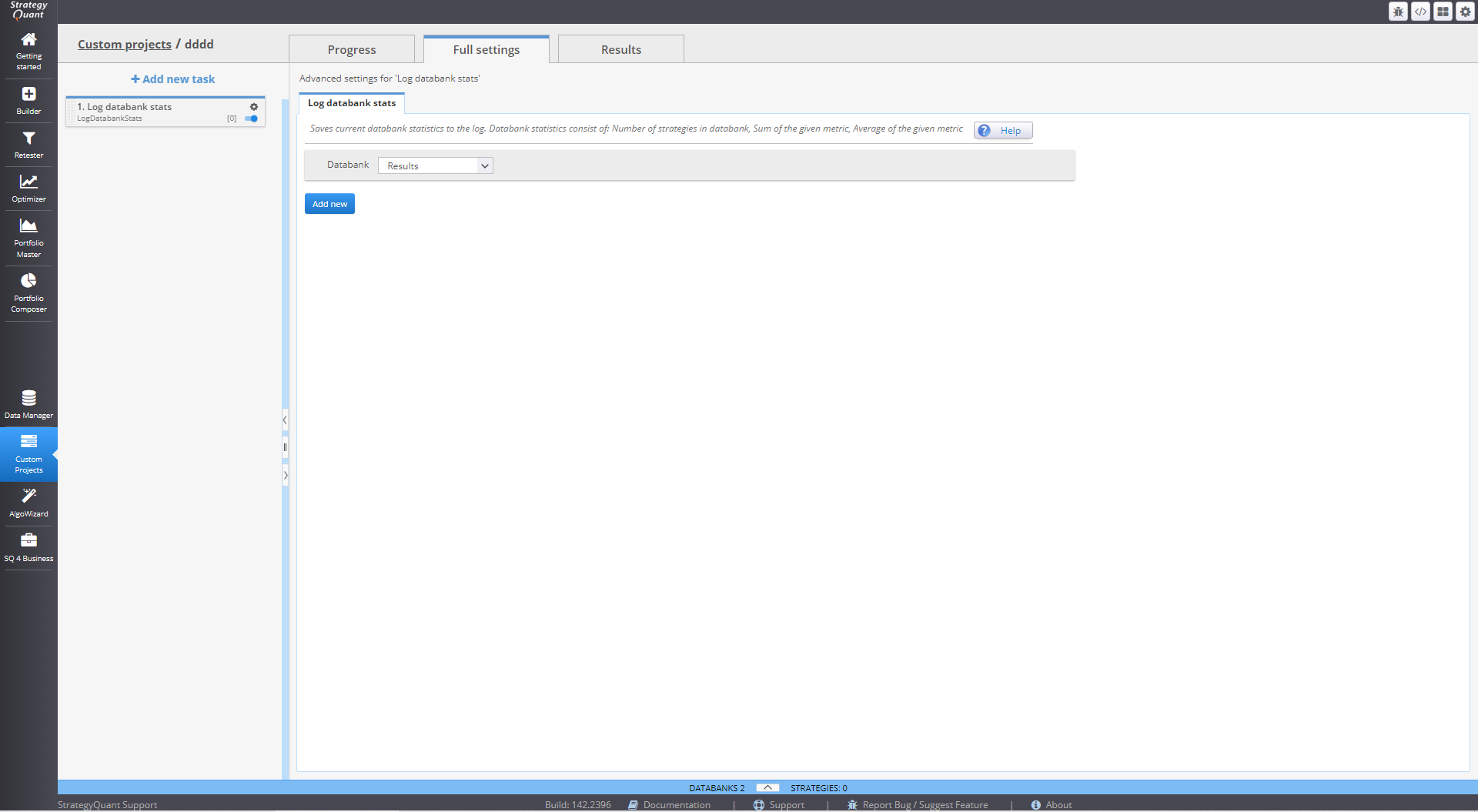
Logs user-defined statistics from a databank into the project log.
- Example uses:
- Log average Net Profit
- Log number of profitable strategies
- Valuable for tracking progress during long-running workflows
Was this article helpful? The article was useful The article was not useful
Page contents