


 Spanish
 Portuguese
 French
 Italian
 German
 Japanese
Security issue with remote access
2 replies

ironhak
8 months ago #292403
Hello
Remote access opens to the port :8080 using localhost. But this can have problems:
– When running SQ on a remote server the user is effectively opening a port to the internet (even when remote share is off)
– There is no option to change the port, some server providers can block the port 8080.
The solution would be to open the port to 127.0.0.1:8080, this way it’s not going outside the local network and the user can manually open the port by himself. Also it would be essential to be able to choose the port to expose.
Thanks.
0
ironhak
8 months ago #292407
Also one thing to add: when I connect remotely trough my browser (Firefox) sometimes I get this screen:
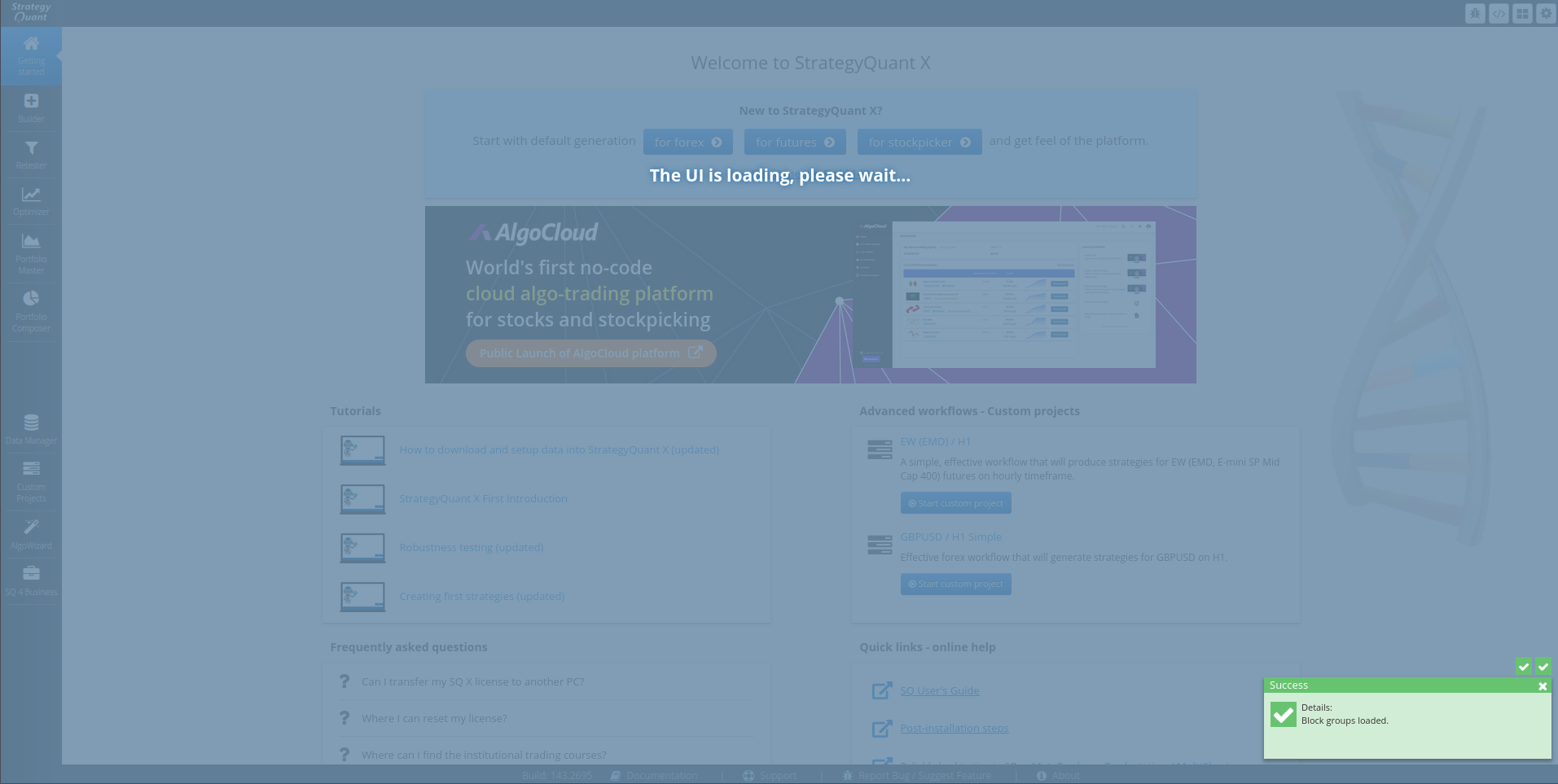
Ans it just stays stuck there for hours… I can reload the page and then SOMETIMES after 2/3 minutes it works… But generally this is not reliable at all
0
ironhak
8 months ago #292411
I don’t know what happened but now it wont load at all. It just stays here:

0
Viewing 2 replies - 1 through 2 (of 2 total)