


 英語
 スペイン語
 ポルトガル語
 フランス語
 イタリア語
 ドイツ語
ドキュメント
アプリケーション
Last updated on 1. 6. 2021 by Jakub
ぼやけたユーザーインターフェイスの修正
On Windows 10, when you have screen scaling turned on and set to value different than 100% (ie 125%) as shown in the screenshot below, the SQ user interface might become blurry and hardly readable.
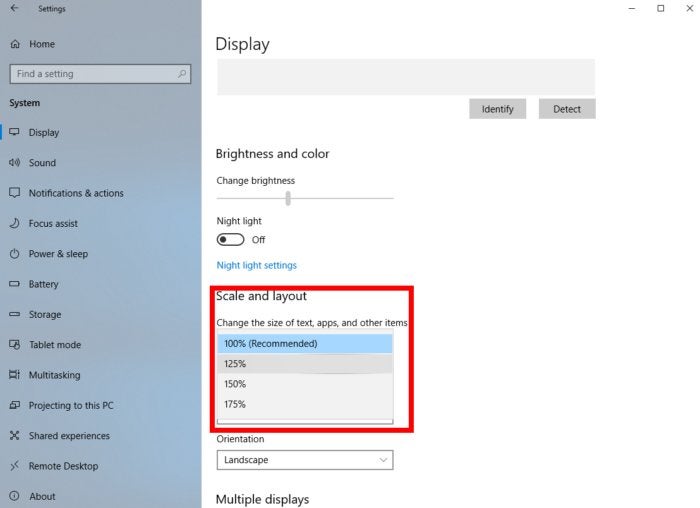
From SQ X version 132 dev2 we have included a batch script that will fix this problem. Simply run the file in the location below and the problem will be resolved. The script needs to be run only once:
StrategyQuantX install folder/fixDPI.bat
この記事は参考になりましたか? この記事は役に立った この記事は役に立たなかった
コメントを投稿するにはログインしてください
0 コメント
最古の